Keep an approved baseline.
Create. Redesign.Experiment.
Create your next website. Reimagine your current one. Find the direction that moves your business forward.Create. Redesign. Find your next advantage.
Create with purposeKeep the originalTest before you commit
SEE THE POSSIBILITY. CHOOSE YOUR START.See the possibility.
See the possibility.
Make it your own.
Explore a design, switch devices and compare a redesign. When you’re ready, bring your own business into the picture.
Illustrative website. Your own concepts use the business information you provide.
Zeopilot StudioInteractive examples · no sign-up
Design previewIllustrative website · not a generated result
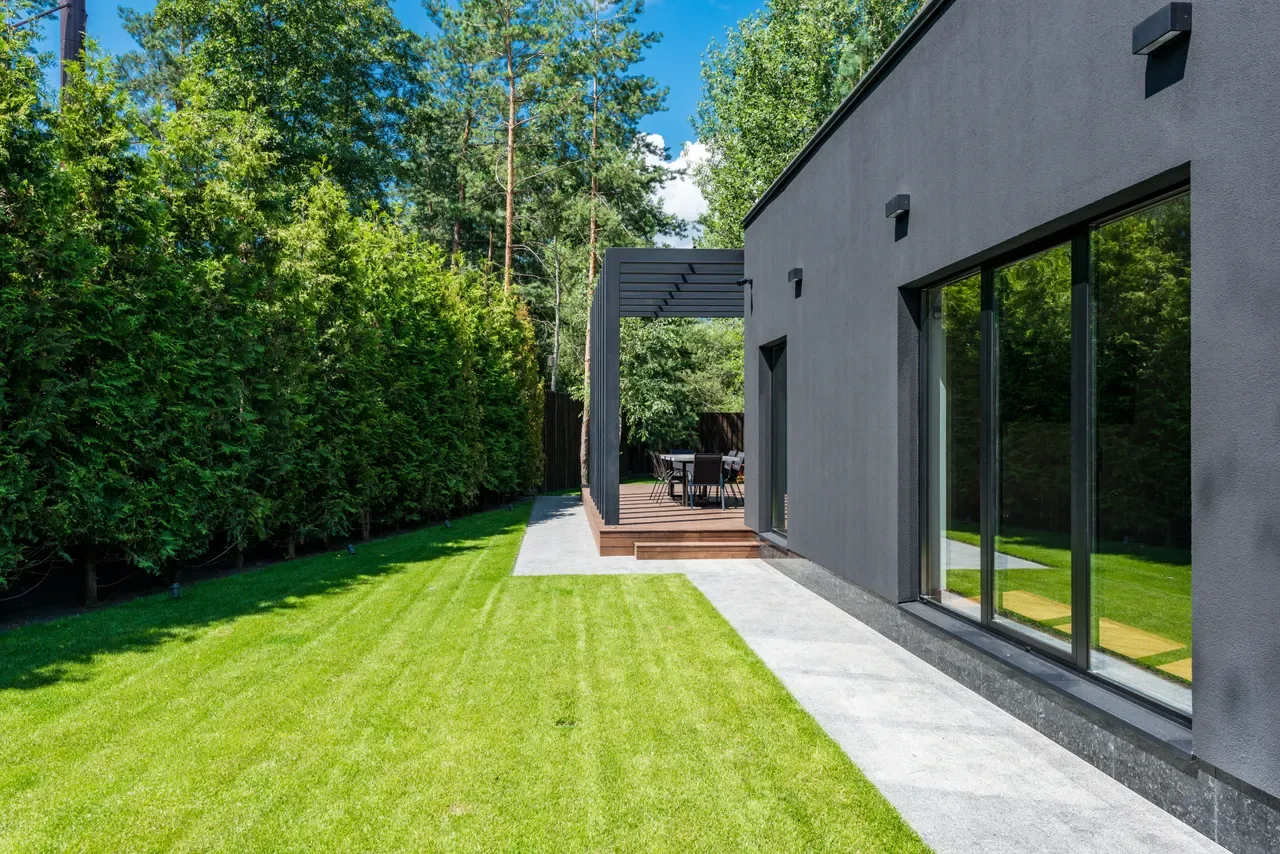
LANDSCAPES FOR A LIFE WELL LIVEDA little more outside.
A lot more living.
An intimate garden. A gathering place. An everyday escape. Thoughtfully imagined around the way you want to live.
Plan your outdoor spaceDESIGNED WITH PURPOSEExplore the possibilities
01Garden designA place that feels like you.
02Outdoor livingMore room for everyday life.
03Seasonal plantingA landscape that keeps evolving.
MORE THAN ANOTHER PAGEGood design begins
with how you live.
A quiet morning outdoors. Friends around a table. A little room to slow down. Explore a more considered way to connect your home with the world outside.
EXPLORE THE NEXT POSSIBILITYBring your next chapter to life.
This is a fictional, interactive website example—not an actual customer's website. Use Create or Redesign to develop a concept for your own business.
Scroll inside this website to explore it. At the end, keep scrolling to continue down this page. Expand for a larger view.
TWO STARTING POINTS. ONE CONNECTED STUDIO.Start where you are.
Start where you are.
Build toward something better.
No website yet? Bring an idea. Already have one? Bring the page. Both paths give your business a clearer next step.
A FRESH START
Create something new.
Shape your first concept, a new service page or a focused campaign. Tell Studio who it is for and what a successful visit should lead to.
Business briefThree directionsDevice previewsExplore Create A STRONGER NEXT VERSIONRedesign with purpose.
Keep your existing website intact while exploring changes to its message, structure and customer journey. Compare before you commit.
Original preservedBefore / afterEditable directionExplore RedesignLOOKS PROMISING? ASK A BETTER QUESTION.Don’t just pick a design.
Don’t just pick a design.
Plan how to test it.
Will a clearer offer lead to better enquiries? Could a simpler page help more visitors finish a booking? Studio helps you turn a candidate into a question worth answering.
Create a candidate & plan a testILLUSTRATIVE PLAN · NOT RUNNINGA · ORIGINALYour current experience B · CANDIDATEA clearer next step
Explore one focused hypothesis.
DEFINE SUCCESS FIRSTA completed, qualified enquiry
Save the revision → Verify measurement → Approve the test → Review real outcomes
THE CREATIVE START OF YOUR AI WORKFORCE
Build the idea. Let the Director guide what happens next.
Save designs and revisions in Site Studio. Explore improvements with independent verification, measurement and your authorization—not guesses or automatic changes.
A few useful answers.
Do I need a website to start?
No. Start with Create, describe your business and choose what visitors should do. Existing owners can use Redesign to explore a new direction for a public page without changing the original.
What can I try before signing up?
Explore the instant concept experience and, when enabled, the advanced preview workbench. Compare design directions and plan a split test. Public previews are starting points, not a finished website or a live experiment.
Can I use a new page or a redesign in a split test?
Yes. In an eligible member workspace, save the candidate and prepare an experiment against an approved baseline on a supported connected website. Set a conversion goal, proposed traffic split and duration. Verification and your approval are required before launch.
Will anything change on my live website?
Public exploration does not publish anything. In your workspace, hosted publishing and connected-site changes remain separate, permissioned actions. Creating a draft or a test plan does not send traffic or change a customer website.
Is this only for beginners?
No. Start with a short brief, or use the advanced controls for audience, conversion goals, visual direction, contact actions and design alternatives. Experienced teams can refine saved revisions and prepare governed experiments in Site Studio.
What should your website do next?
Create a new possibility. Improve an existing one. Let evidence guide what becomes real.